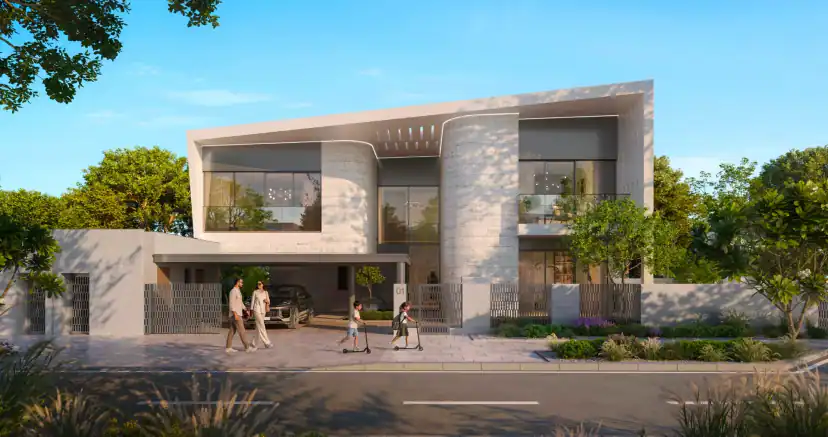
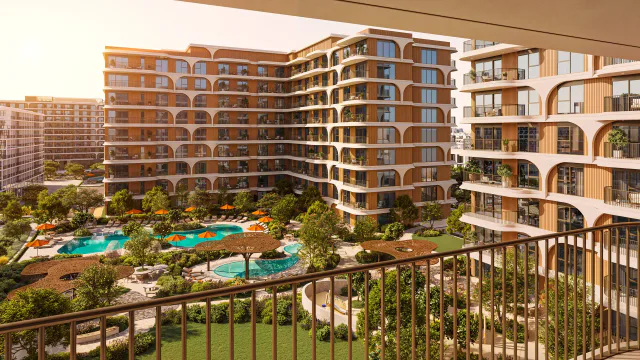
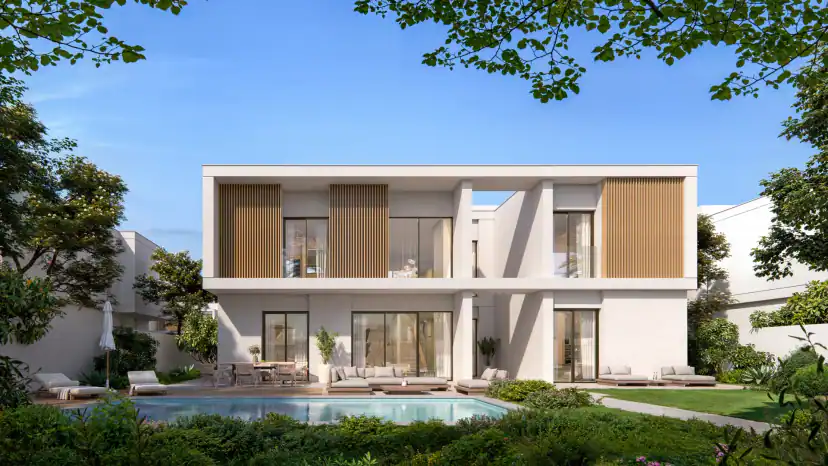
Use ADREC’s Recent Sales to narrow the record set to the district, project and kind of home you want. Divide the registered sale price by the registered area in square feet, or convert the published rate if it is quoted per square metre.
Set the filters before comparing prices
- Open Transactions, scroll to Recent Sales, then choose All Filters.
- Select the asset type, subtype and sale type. Narrow the results by district, community, project and layout as needed.
- Apply the filters. Record the date range, project or phase, type of sale, value and area unit for each comparable entry available.
- If several sales remain, look at the spread and the differences between units. When publishing a figure, label the period and whether it is one sale, an average or a range.
Keep ready and off-plan sales apart when testing a resale price. Check the area basis in the underlying document. A villa plot, the built area of the villa and the sellable area of an apartment describe different things even if all the numbers are expressed in square feet. ADREC filters
Convert the rate in the right direction
The international foot equals exactly 0.3048 metres. Squaring this gives 0.09290304 square metres per square foot. Multiply an AED-per-square-metre rate by 0.09290304 to quote AED per square foot. As one square foot is smaller, the numerical price per square foot must also be smaller for the same sale. Official measurement conversion
| Official H1 2026 example | Report rate | Converted rate, rounded |
|---|
| The Row, Saadiyat | AED 42,000 per m² | About AED 3,902 per ft² |
| One Saadiyat | AED 97,000 per m² | About AED 9,012 per ft² |
The source values are from ADREC’s Saadiyat project snapshot. The square-foot column is our conversion of the displayed, already rounded report rates. Treat those figures as period observations. For a particular unit, compare its floor, layout, view and registration date with the transactions available.
Record the area definition as well as the number
If the sale is for a whole unit and the title documents describe the internal and external areas separately, check which area the transaction record uses. Owners may advertise a balcony or terrace as part of a headline floor area. Comparing one home's registered area with another home's internal area silently changes the denominator. Keep the original units in your notes and convert the rate once, at the end. Repeated conversion and rounding can make two otherwise identical records appear to differ.
For a small set of results, put each sale on its own line. A single waterfront penthouse in a district of smaller apartments can shift the arithmetic average considerably. Look for comparable layouts first and check the dates before widening the search. If there are too few sales in the project, compare the nearest similar phase separately and disclose that broader scope. Combining every transaction in the district can produce a precise-looking rate with little relevance to the home you are considering.
Save the official transaction reference or report page, the calculation and the currency with your comparison. If the owner later supplies a different area, you can recompute the unit price and see exactly which assumption changed.
For more detail, see residential land rates, district sales values and apartments for sale by area.
FAQ
Is this a valuation certificate?
It is a comparison using registered sales. An official valuation requires its own service and evidence for the property.
What if the result has no reliable area?
Keep it as evidence of a sale price only. A rate per square foot requires an area that can be matched to that price.
Can I average the rates from two different-sized units?
Decide whether you want an average unit rate or an area-weighted rate. For the latter, divide total sale value by total comparable area, with a consistent unit throughout.